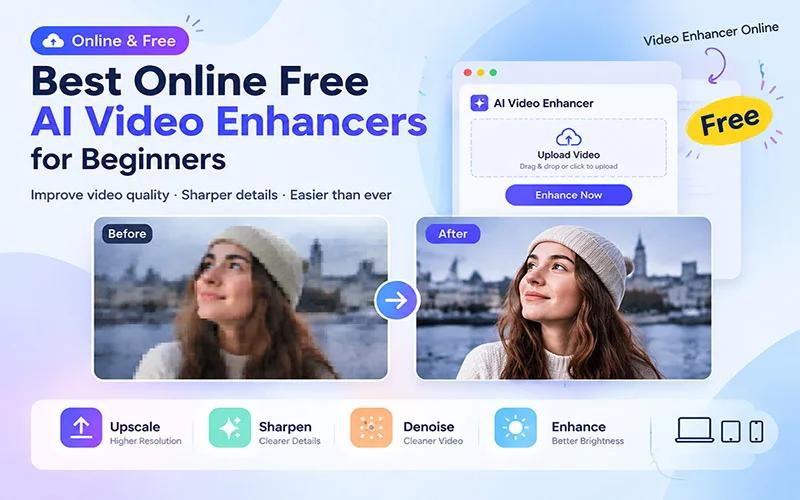
Videos shot on a phone or an old camera often look blurry, grainy or pixelated on a big screen. Videos shot in low light have noise, and when you upload a low-resolution clip to YouTube or Reels, viewers quickly scroll past. For beginners, fixing these problems with ordinary editing tools is complicated and time-consuming.
The solution is an AI video enhancer. These tools automatically increase detail, sharpness and resolution right in your browser, with no software to install and no editing skills required. So in today's article, we'll discuss some of the best online free AI video enhancers that will make life much easier for new video editors. Let's get to know the tools.
Why Do Beginners Need a Video Enhancer?
To understand the necessity and effectiveness of video enhancer tools in greater depth, we need to understand the difference between traditional video editing and modern AI technology. Here is a detailed analysis of why these tools are a game changer for beginners:
1. Ordinary Pixel Stretching vs. AI Detail Synthesis
When ordinary editing software displays a 480p or 720p video on a bigger screen, it simply stretches the pixels. This makes the video even blurrier and more pixelated. AI tools like TensorPix AI or HitPaw don't stretch pixels. They are trained on millions of high-resolution videos. As a result, they can recognize where there is hair, skin or background grass in the video, and use artificial intelligence to generate new, precise detail there.
2. Social Media Algorithms
Today, the algorithms of YouTube, TikTok and Facebook make videos go viral mainly based on Audience Retention, that is, how long viewers keep watching. Research has shown that when a video is low-quality and blurry, viewers scroll away within the first 3 seconds.
Even without expensive gear, beginners can make their video's visual quality more attractive with an AI enhancer, so viewers watch for longer. This indirectly ensures faster growth for the channel.
3. The Scientific Method of Removing Noise and Grain
When you shoot with a cheap phone or in low light, a kind of ISO noise appears. When you try to reduce noise in ordinary editing, the whole video becomes blurred or smoothed, and faces become unrecognizable. Modern AI tools intelligently erase background noise without destroying texture. They keep the real shape of a person's face, the pupils of the eyes and the fine details of the hair intact, and remove only the unwanted noise.
4. Frame Interpolation and Smoothness
When beginners try to shoot slow-motion video on an ordinary phone, the video stutters and looks laggy or choppy. HitPaw and other advanced online tools include 4K Video Enhancer technology. It automatically generates new frames between the frames of your 24 or 30 FPS video and converts it into a 60 FPS or even silky-smooth video.
5. Multi-Source Content Blending
Many new creators collect free stock footage from the internet, or create clips with AI video generators, and use them in their own videos. The problem is that videos from different sources have different resolutions and color tones. When you put all the clips on the same timeline, the video quality looks uneven. If you use a video enhancer to bring all the clips to the same 4K resolution, the entire video looks professional and consistent.
6. Cost Efficiency for Beginners
Building a cinematic video setup means spending thousands of taka on lights, lenses and cameras. Beginners can't afford this investment at the start. Online free AI video generator tools bring that cost burden down to zero, which helps beginners build confidence and stay consistent with content creation.
Best Online Free AI Video Enhancers for Beginners
AI video enhancer tools are very popular right now for improving video quality. Browser-based or online tools are especially effective for beginners, because they don't require a high-end computer. Below is a detailed description of several popular tools today, their free plan limitations, and which features are convenient for beginners:
1. HitPaw Online Video Enhancer – Best Overall Online AI Video Enhancer
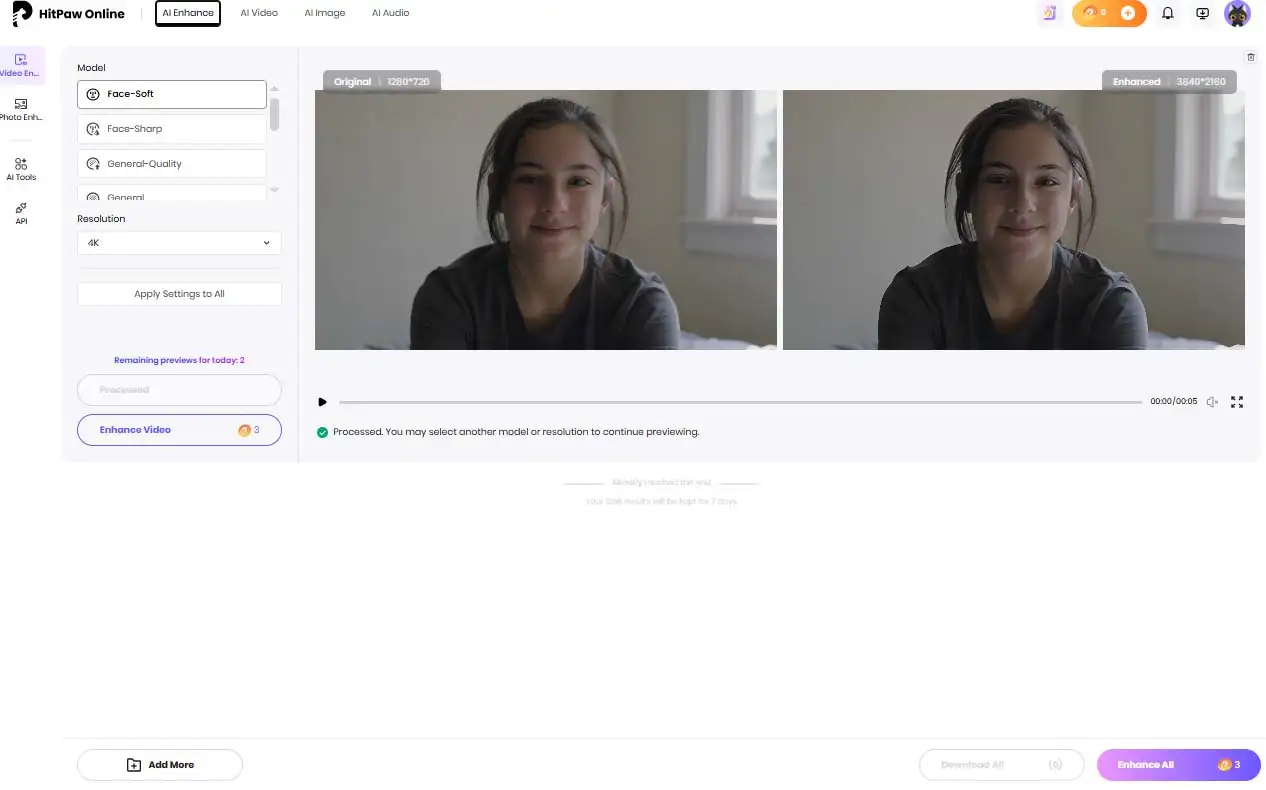
HitPaw Online Video Enhancer is a browser-based AI video enhancer built for users who want to improve video quality without installing software. It has a dedicated AI Face Enhancer that sharpens faces in blurry portrait or vlog videos, AI Noise Reduction that removes grain or noise from videos shot in low light, and a 4K Upscaler that increases video resolution. It has a free trial version where you can improve your video quality and see a preview.
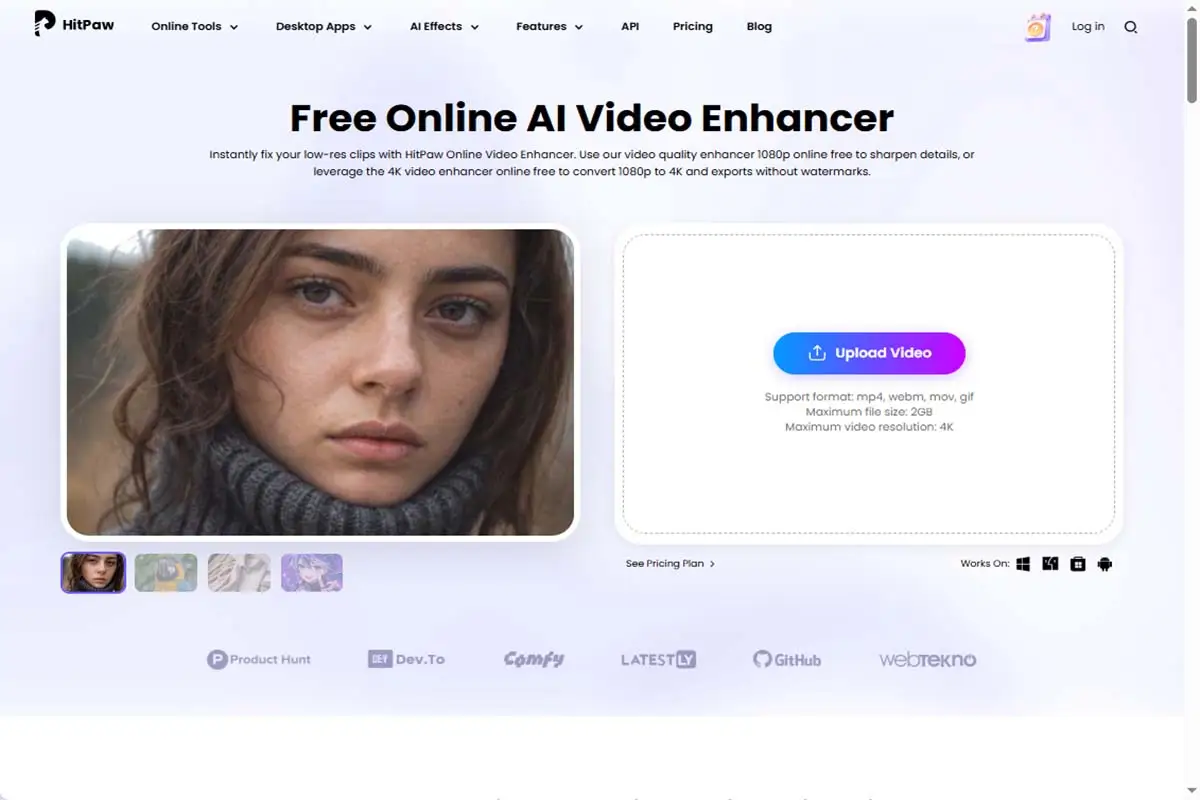
Key Features
- AI Upscaling: Increases low-resolution video up to 4K or 8K.
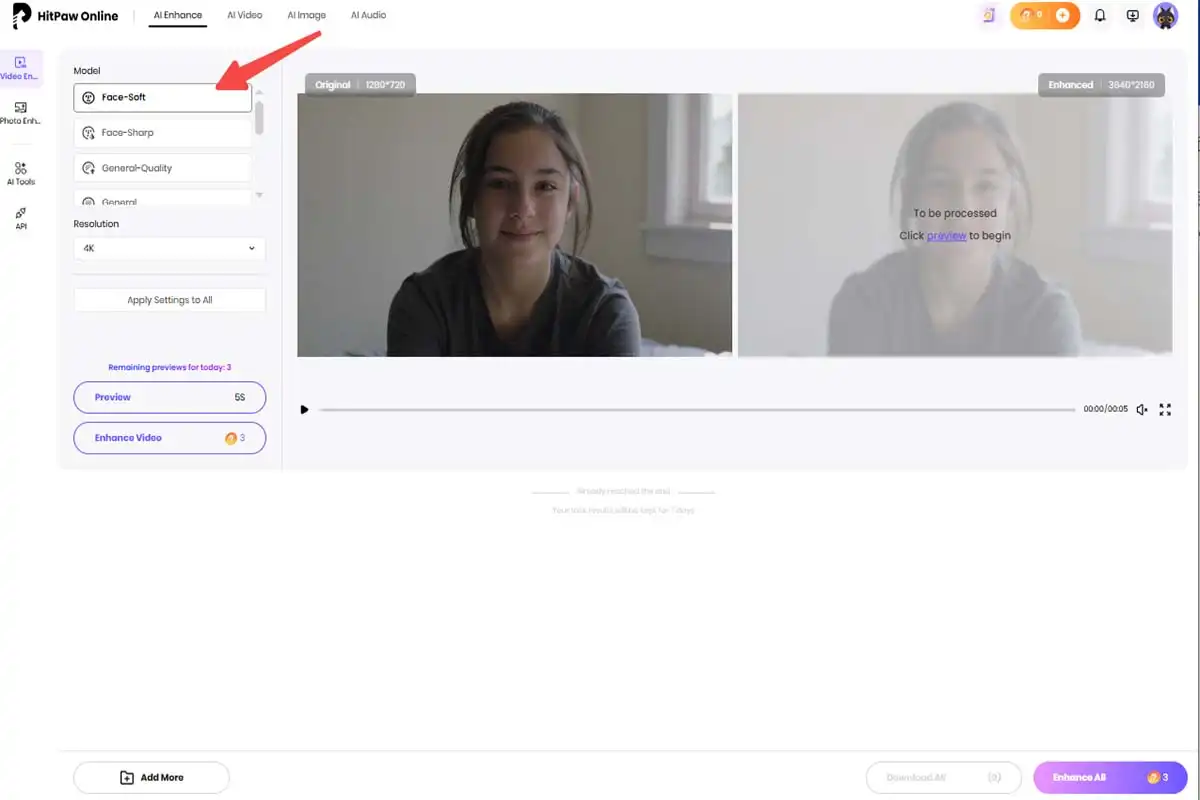
- Separate AI models: A General Denoise model for reducing noise, an Animation model for animations, and a Face model for sharpening faces.
- Colorization: Adds color to old black-and-white videos.
- Frame Interpolation: Makes videos smoother.
- Easy to use: Upload the video, choose a model, preview, then export.
Pros
- Works in the browser without installation, so there's no need to worry about computer specs.
- Easy for beginners, with no editing knowledge required.
- Good for fixing blurry, old or grainy videos.
- Separate models for animation and faces give better results.
- Suitable for general video quality problems.
Cons
- The online version may have usage or file size limits.
- Advanced AI features are available in the desktop software.
Steps to Improve Video Quality with HitPaw Online Video Enhancer
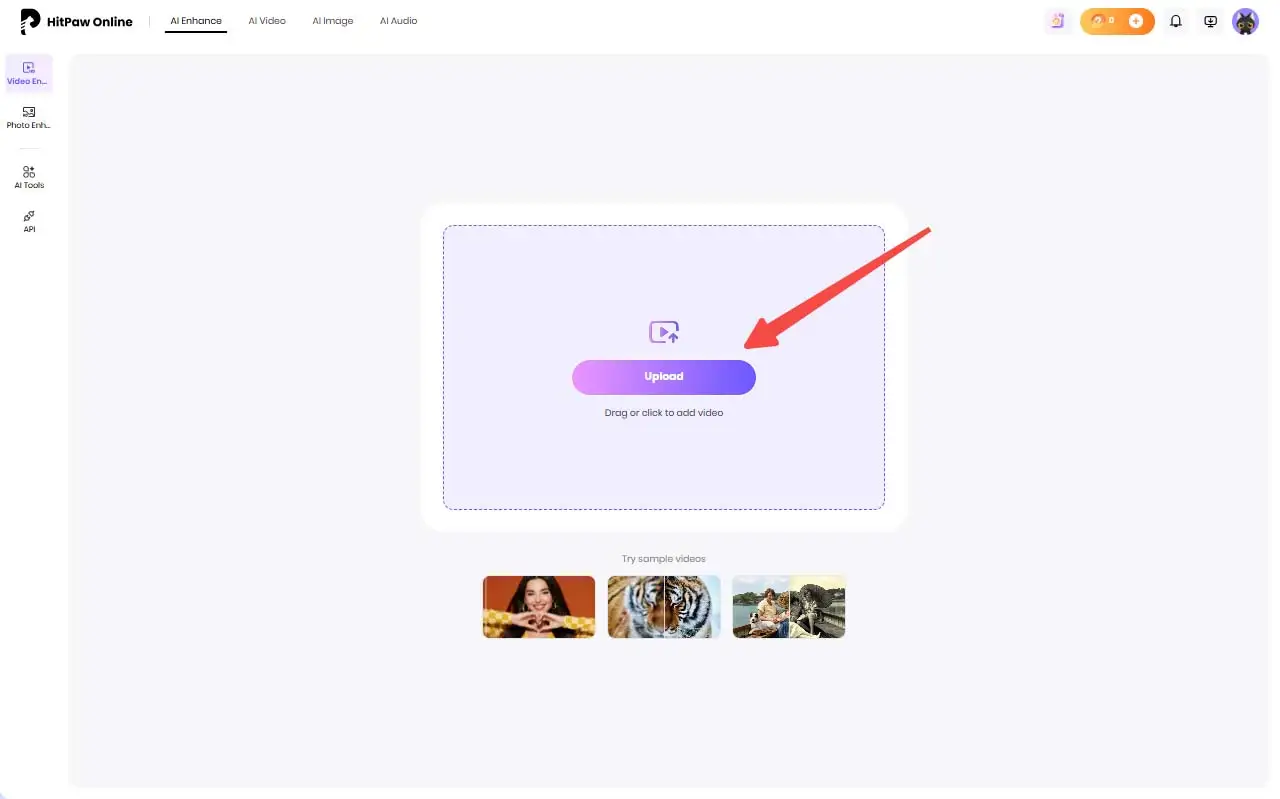
Step 1: Upload the video Open HitPaw Online Video Enhancer in your browser and upload the video you want to improve.
Step 2: Apply AI enhancement Select the AI enhancement option. The tool will automatically analyze and improve your video's quality.
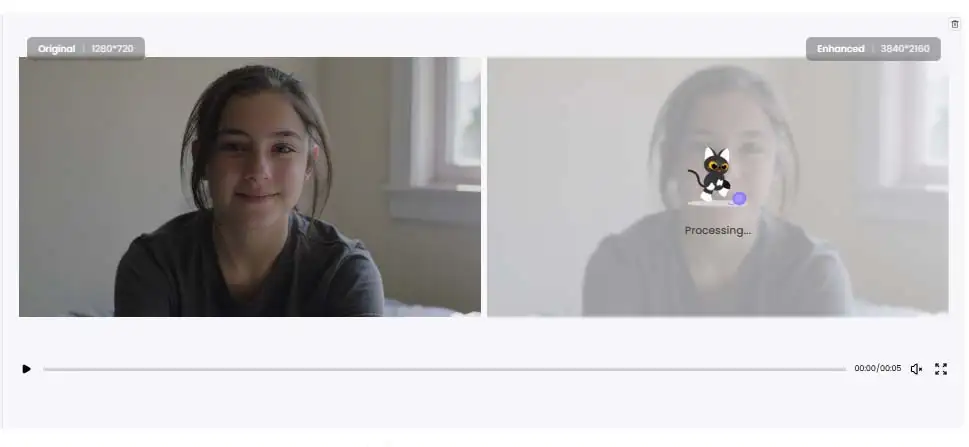
Step 3: Preview the enhanced video
Preview the result and compare the enhanced video with the original footage.
Step 4: Download the improved video
If you're satisfied with the result, download the enhanced video directly.
2. TensorPix – Best Online AI Video Enhancer for Quick Improvements
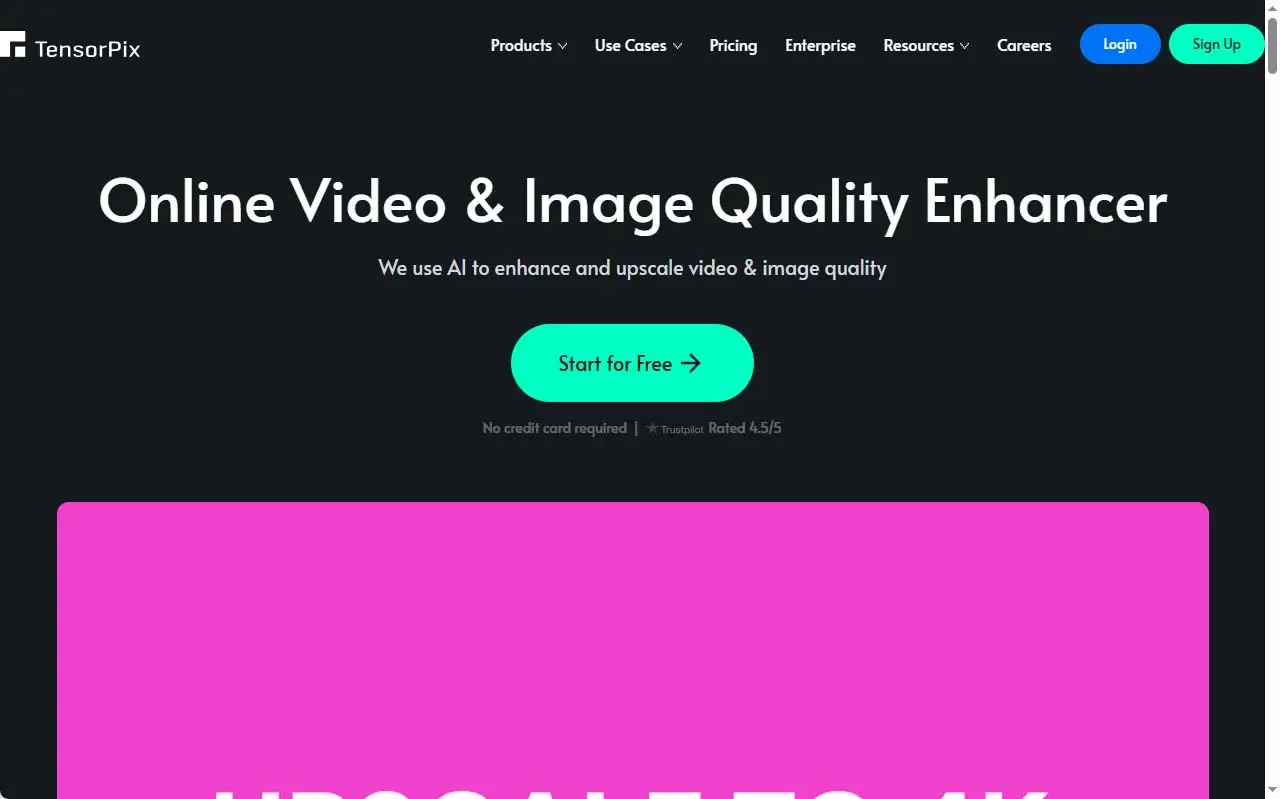
TensorPix Online Video Enhancer is an artificial-intelligence-powered, cloud-based video editing platform. Its main job is to improve the quality of low-resolution, blurry or old videos and upscale them impressively. Since it is entirely browser-based, you don't need to download any heavy software or have a powerful GPU on your computer to use it.
Key Features
- AI Video Upscaling: Can convert ordinary or low-resolution video to a maximum of 4K resolution while keeping the details intact. It can increase resolution up to 4 times more than typical software.
- AI Deep Clean and Denoising: Cleans up the video by removing unnecessary noise, blurriness, compression artifacts and pixelation.
- Frame Interpolation: Can add artificial frames to low-frame-rate videos to bring them to 60 FPS or higher.
- Video Stabilization: Makes the motion of shaky handheld footage natural and steady.
- Old Footage Restoration: Removes scratches, dust and other blemishes from old or family videos, VHS or cassette videos, and gives them a new look.
Pros
- No installation hassle: You can work directly on the TensorPix Official Website from Google Chrome or any modern browser.
- Easy interface: Just drop in the video and select the specific AI filter, and processing finishes in the background within a few minutes.
- Multiple format support: It supports almost all popular video formats and codecs, including MP4, MOV, AVI, WMV and MKV.
Cons
- It needs a stable internet connection, because large videos have to be uploaded to and downloaded from the cloud.
- The free plan has some limitations, such as previewing large videos or getting high-resolution output without a watermark.
3. Media.io AI Video Enhancer – Best Beginner-Friendly Online Video Enhancer
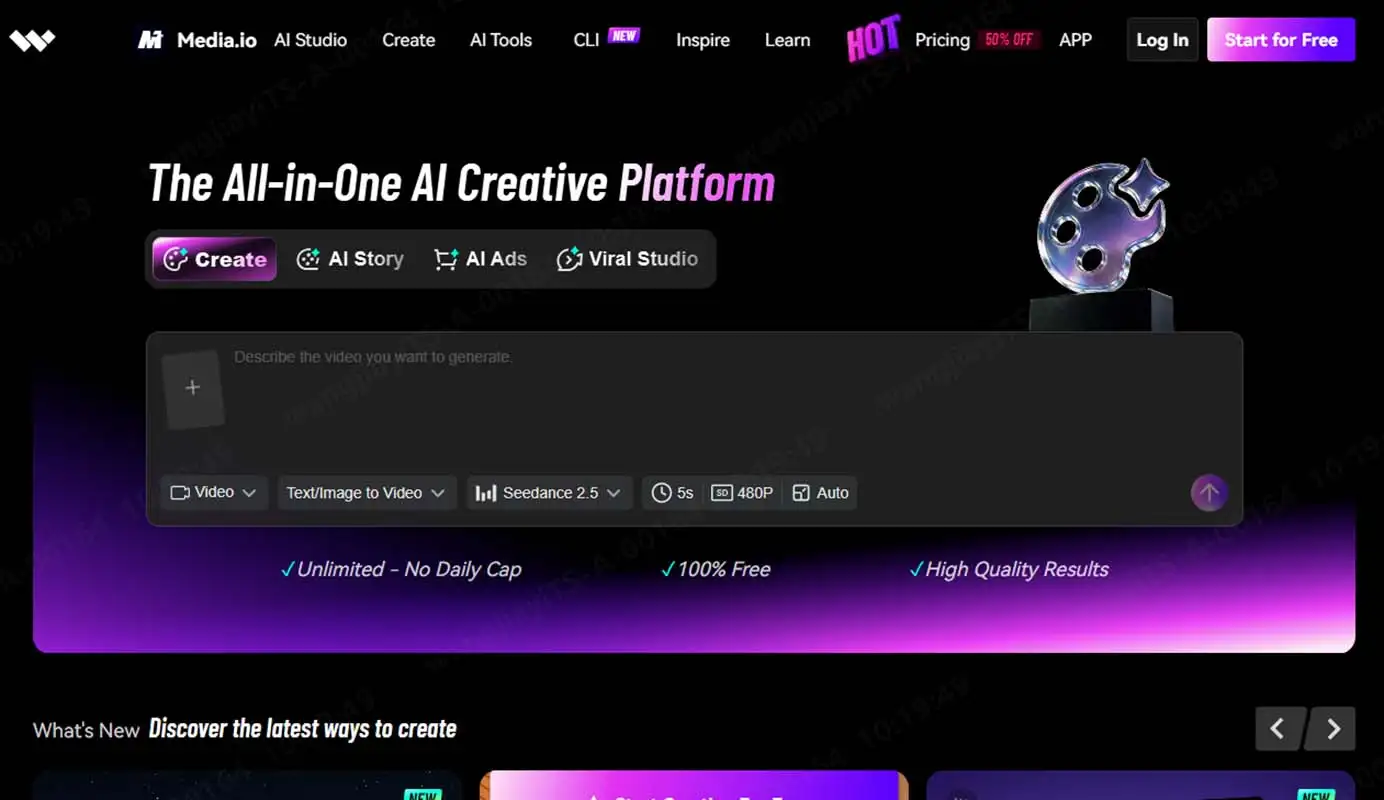
Media.io AI Video Enhancer is another popular browser-based, one-click video upscaler. It easily fixes the texture, sharpness and color of low-resolution videos. Even if beginners don't understand complex settings, it can automatically detect and fix flaws in the video.
Its free account has some limitations on video uploads: the file size can be at most 100 megabytes and the length at most 1 minute. On the free plan, users can preview the first 45 frames of the enhanced video, but to download the full video you must upgrade to a paid plan.
Key Features
- AI Video Upscaling: Can convert ordinary or low-resolution video to HD, Full HD or 4K resolution while keeping the details and sharpness intact.
- Motion Smoothing: Using artificial intelligence, it can add new frames to the video. As a result, a 24 or 30 FPS video can be converted to 60 FPS or higher and made extremely smooth.
- Noise and Grain Removal: Removes pixelation and digital noise from videos shot in low light or old videos, making them crystal clear.
- De-interlacing: Removes the horizontal lines or streaks seen on the screen in videos from old analog cameras or VHS cassettes, converting them to progressive video.
Pros
- No powerful hardware required: All video processing happens on TensorPix's own cloud servers. So even if your computer doesn't have an expensive graphics card or processor, you can use it with an ordinary browser.
- Simple and user-friendly: Its interface is extremely simple. You can enhance or improve a video in just a few clicks, without any professional video editing skills.
- Parallel processing: You can upload and process multiple videos at the same time, which saves you time.
Cons
- Dependent on high-speed internet: Since videos have to be uploaded to the cloud and then downloaded after processing, it's quite troublesome to use with a slow internet connection.
- Free plan limitations: Videos processed in the free version carry a watermark, and the resolution is also limited.
- Credit system and cost: Its premium subscription runs on a credit system. That means a certain amount of credit is deducted for every minute of video you enhance. If you work with many or long videos, it can get quite expensive.
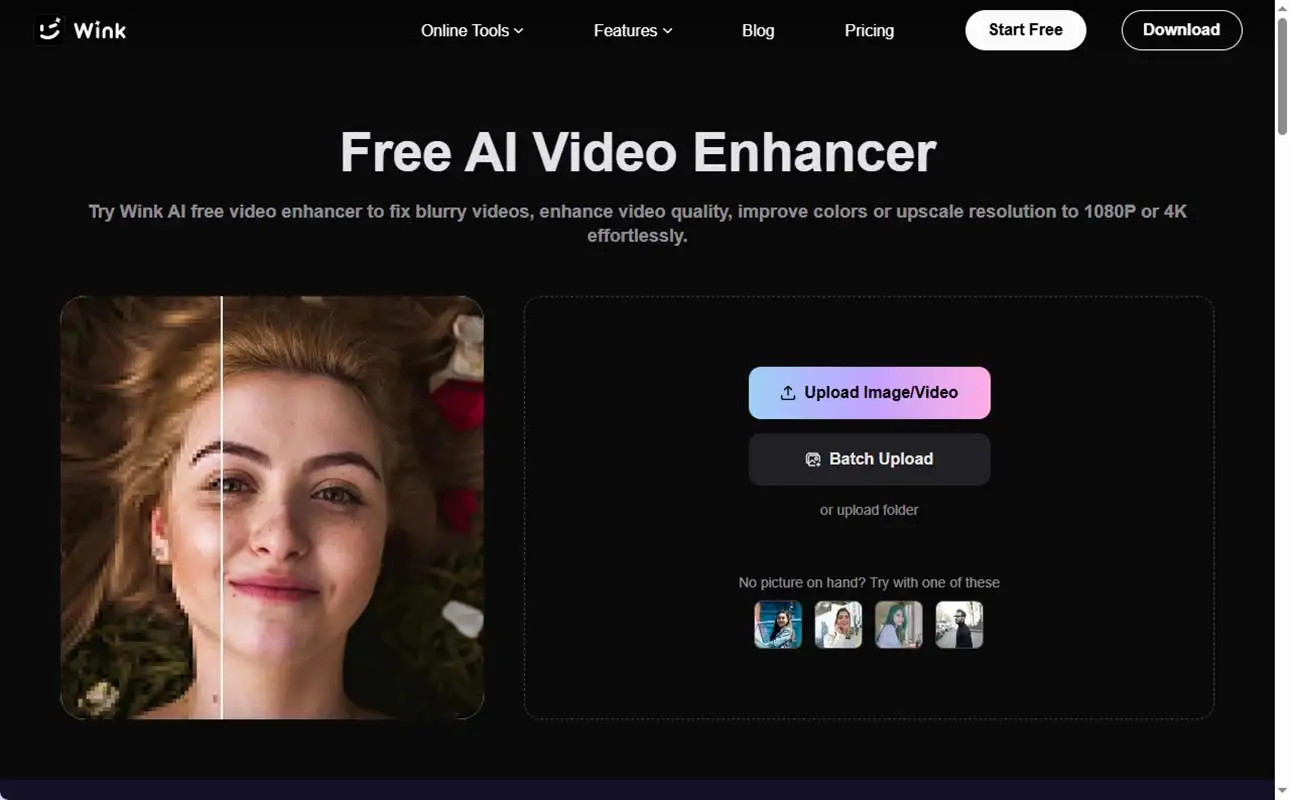
4. Wink AI Video Enhancer – Best for Social Media Video Enhancement
Wink is an excellent all-in-one AI editing platform mainly for mobile users and social media creators, and it also has a web version. It can perform professional Scene Restoration through frame-by-frame analysis. For those who face the problem of videos becoming blurry after using beauty filters, it is quite effective at bringing back skin texture and details. It also has a video stabilizer and a cartoonizing feature.
It lets beginners use quite a few features for free. Using its online interface, you can quickly increase video quality to 1080p or 4K.
Key Features
- 4K Super Resolution: With this tool, low-quality video can easily be upscaled to 2K or 4K Ultra HD (UHD) resolution.
- AI Portrait Retouching: This works great for portrait videos or vlogs. With AI, you can precisely remove skin blemishes, adjust the eyes, nose and teeth, and apply virtual makeup.
- Denoising & Unblur: Removes digital noise and grain from old VHS tapes, dark night-time clips, or videos blurred by movement, making the video clear.
Pros
- Easy interface: You can improve video quality with a single tap or click, without any professional video editing skills.
- Multi-platform support: Besides Android and iOS apps, it can also be used directly from a web browser.
- Fast processing: Using cloud and AI technology, it processes large and complex files in just a few minutes.
Cons
- Limitations in the free version: Only limited features are available in the free version. To export in Full HD/4K and remove the watermark, you have to subscribe to its premium plan.
- Unnatural or cartoonish look: Sometimes, because of over-processing, people's faces or video details look unrealistic and plastic-like.
- Lack of professional control: Unlike big professional software such as Topaz Video AI, it doesn't have advanced options for manually setting precise color grading or frame rate.
- No custom fonts: When using subtitles or text, there is no option to upload your own custom fonts.
5. VEED AI Video Enhancer – Best Online Video Editor with AI Tools
VEED.IO is basically a full-featured online video editor with AI enhancement options built in. Unlike other tools, instead of generatively restoring low-resolution video to 4K, it puts more emphasis on precisely adjusting a video's brightness, exposure, contrast, saturation and sharpness. With it, you can remove Background Noise from a video and add automatic subtitles in one click. Its free plan is great for beginners to learn on, but in the free version the exported video carries VEED's watermark and the export quality is somewhat limited.
Key Features
- One-Click Quality Adjust: With this, you can automatically or manually adjust a video's brightness, exposure, contrast, saturation and sharpness to make low-light video look great.
- Audio Cleanup and Noise Removal: Removes unwanted background sounds from the video with AI in one click, making the voice clear.
- Magic Cut - Silence Removal: AI automatically scans for and cuts out the unnecessary silent parts of the video and filler sounds like "uh" and "um".
Pros
- No installation needed: Being fully cloud or browser-based, you can work directly from the browser on any device.
- Best for social media: You can easily convert the same video to YouTube, TikTok or Instagram Reels size in one click.
- Simple and user-friendly interface: With drag-and-drop support, it is extremely easy for newcomers or beginners to use.
Cons
- Fully dependent on the internet: Since it is an online tool, it's quite difficult to work on it, or upload or play back large files, without a good or fast internet connection.
- Limitations in the free version: In its free plan, the video has a large watermark and the video resolution is limited to just 720p.
- High price of premium plans: To unlock 1080p or 4K export and advanced AI features, you have to take a fairly expensive monthly or annual subscription.
- Lagging with heavy files: When editing very large or long videos, buffering or browser lag often occurs.
Comparison of the Best Online Free AI Video Enhancers
| AI Video Enhancer | Best For | Ease of Use | Free Limitations |
| HitPaw Online Video Enhancer | Overall online AI video enhancement | Very easy | Limited free usage |
| TensorPix | Quick AI video improvement | Easy | Limited free credits |
| Media.io AI Video Enhancer | Beginners who want simple enhancement | Very easy | Limited free export |
| Wink AI Video Enhancer | Social media and portrait videos | Easy | Some features require payment |
| VEED AI Video Enhancer | Video editing with AI tools | Easy | Limited free plan |
Frequently Asked Questions (FAQs) About Online AI Video Enhancers
1. What is the best free online AI video enhancer?
HitPaw Online Video Enhancer is a beginner-friendly option for improving video quality online. Without installing any
software, it helps improve blurry, low-resolution and noisy videos directly in the browser.
2. Can AI improve video quality for free?
Yes. Some free AI video enhancer tools offer video improvement features at no cost, though there may be watermarks,
file size limits or export restrictions.
3. Are online AI video enhancers worth using?
Yes. Online
AI video enhancers
are effective for beginners who want to improve videos quickly without learning complex editing software.
4. Which AI video enhancer is the easiest to use?
Browser-based tools are generally easier for beginners, because they require no installation and have a simple
upload-and-enhance workflow.
5. Can AI upscale video to 4K?
Yes. Some AI video enhancers can upscale video to 4K by improving resolution and detail, though the final result
depends on the quality of the original video.
Conclusion
Blurry, noisy or low-resolution videos are no longer a big obstacle for beginners. By using browser-based AI video enhancers, you can improve video quality without expensive software or editing skills.
HitPaw Online Video Enhancer is a good option for overall results, TensorPix for quick upscaling, Wink for social media and portrait videos, and VEED for enhancement along with editing. If you want a simple one-click solution, you can choose Media.io.
Keep in mind that almost all tools have limitations on their free plans, such as watermarks, file size or export resolution. So before processing a full video, test a few tools with a short clip. Choose whichever one gives the result that best suits your video.