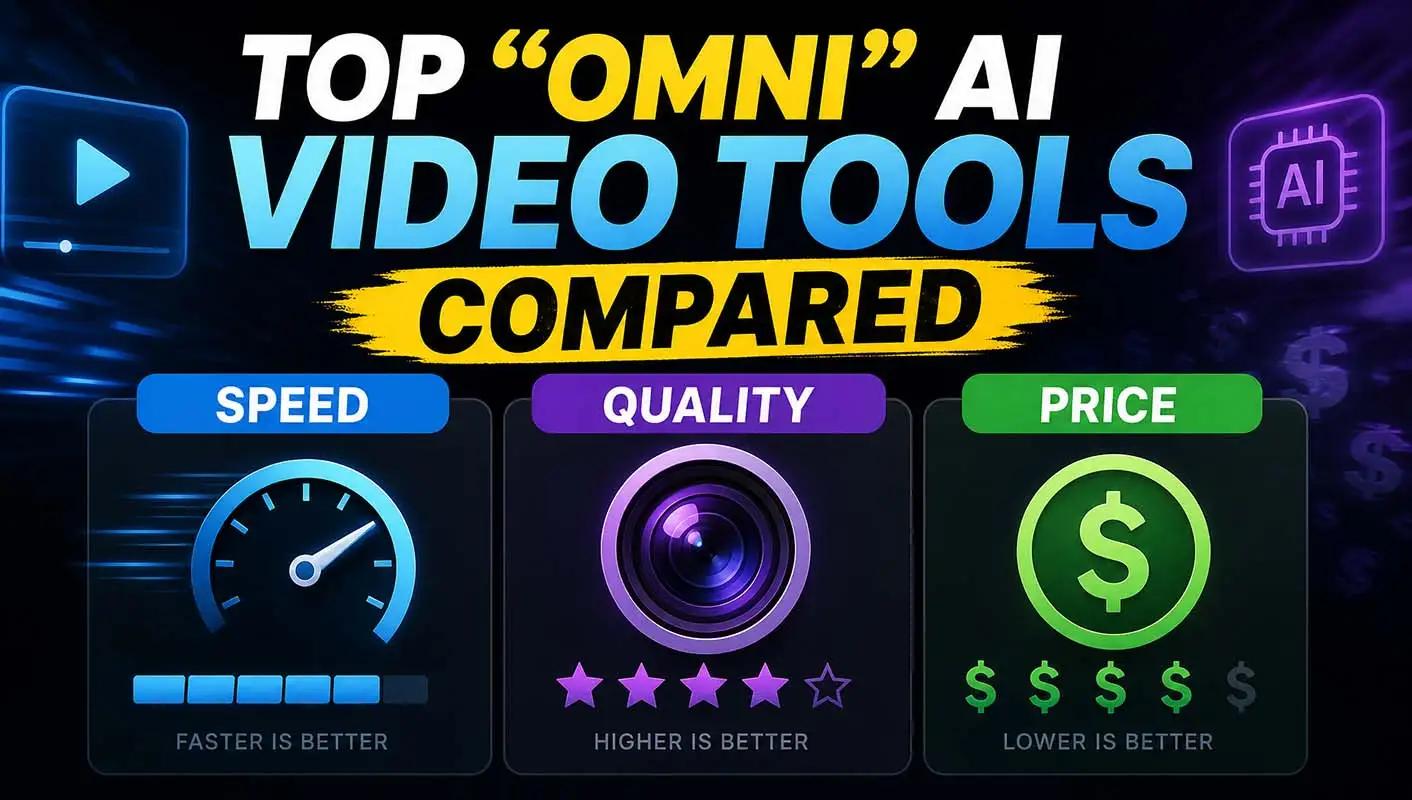
"Omni" in this category means a model built to take more than one kind of input, text, image, audio, video, and reason across all of them in a single pass rather than stitching separate specialist tools together. That combination is genuinely useful, but it also means the tools calling themselves omni make real, different tradeoffs on the three things that actually decide which one to reach for on a given day: how fast it generates, how good the result looks, and what it costs to get there. This comparison scores six omni models across all three, since a roundup that only ranks quality misses the calls where speed or price actually decide the choice.
The chart above gives a rough, relative read on each model across the three axes; the sections below explain what's actually behind those numbers.
Comparison table
Model |
Speed |
Quality |
Price |
Best for |
|---|---|---|---|---|
invideo agent |
N/A (routing layer) |
N/A (routes to best-fit model per shot) |
$17/month flat |
Routing across omni models automatically rather than choosing manually |
Veo 3.1 |
Slower |
Highest |
Most expensive |
Dialogue-driven scenes needing native, synchronized audio |
Kling 3.0 |
Fast |
High |
Cheap |
The best overall speed-to-quality-to-price balance |
Seedance 2.0 |
Fastest |
Good |
Moderate |
Locking multiple reference assets in a single fast generation |
Hedra Character-3 |
Moderate |
Good (specialized) |
Moderate |
Talking-character lip-sync and expression specifically |
Gemini Omni Flash |
Fastest |
Moderate |
Cheapest |
High-volume, low-cost generation where speed matters most |
Nano Banana Pro |
Fast |
High (for locking) |
Cheap |
Fast, affordable product and character locking within a scene |
invideo agent: the routing layer across omni models
invideo agent doesn't compete directly on any single axis in this comparison, because its job is deciding which omni model actually fits a given shot rather than being one itself. The platform routes each shot to whichever of its 200+ integrated models fits that particular moment, including Veo 3.1, Sora 2, Kling 3.0 , Seedance 2.0, Runway, PixVerse, Hailuo, WAN, Recraft, GPT Image 2.0, and Nano Banana, which means a project doesn't have to pick one omni model's specific speed/quality/price tradeoff for every single shot.
A persistent context engine holds characters, products, and environments consistent across a project regardless of which model handles a given scene, so switching to a faster or cheaper model for a lower-stakes shot doesn't cost visual consistency with the rest of the project.
Best for: projects that want the speed, quality, and price tradeoffs of several omni models available in one project, without manually managing each model's separate access and pricing.
Where it falls short: it's a routing and consistency layer, not a model competing on raw speed, quality, or price within any one dimension itself.
Pricing: plans start at $17/month, with team and enterprise options also available.
Veo 3.1: highest quality, slowest and most expensive
Veo 3.1 remains the quality benchmark in this group, specifically because it's the only one shipping native, synchronized audio, dialogue, ambient sound, lip-sync, directly in the generated output rather than as a separate pass. That quality comes at a real cost on the other two axes: it's slower to generate and costs more per second than every other model in this comparison.
Best for: dialogue-driven scenes where audio-video synchronization is worth trading speed and price for.
Where it falls short: for a high-volume workflow, its slower generation time and higher per-second cost compound quickly.
Pricing: roughly $0.15/second (Fast tier) to $0.40/second (Standard).
Kling 3.0: the best overall balance
Kling's combination of native 4K output, high temporal consistency through complex motion, and the lowest per-second cost among tier-one models makes it the strongest all-around balance across all three axes rather than a specialist in just one.
Best for: teams that need a genuinely strong result on a reasonable budget without a long generation wait.
Where it falls short: it trails Veo specifically on native audio and doesn't offer the deepest camera parameter control.
Pricing: roughly $0.03–$0.11/second via API; free tier available.
Seedance 2.0: fastest generation with strong reference locking
Seedance 2.0 pairs fast generation with an Omni Reference system accepting up to 12 files per generation, letting a creator lock several visual and audio references at once without a slower, multi-pass workflow.
Best for: fast turnaround on shots that need to lock several reference elements simultaneously.
Where it falls short: it lacks a stable, official first-party API, so access runs through third-party platforms with less predictable pricing.
Pricing: roughly $0.09–$0.10/second, configuration-dependent.
Hedra Character-3: specialized quality on talking characters
Hedra's Character-3 model processes image, text, and audio together in one pass rather than as separate steps, producing lip-sync and micro-expression quality that's genuinely strong specifically for talking-character content, at a moderate speed and price that reflects a narrower focus rather than general-purpose scene generation.
Best for: talking-character content where lip-sync and expression quality matter more than general scene versatility.
Where it falls short: language support trails avatar-focused competitors, and full-body motion is noticeably stiffer than full-body-focused alternatives.
Pricing: Basic plan from $15/month.
Gemini Omni Flash: fastest and cheapest, with a quality tradeoff
Gemini Omni Flash is built explicitly for speed and cost efficiency, making it the fastest and cheapest model in this comparison, at a real cost to peak output quality compared with a slower, more expensive model like Veo 3.1.
Best for: high-volume generation where speed and cost per generation matter more than peak visual fidelity.
Where it falls short: output quality is noticeably behind the higher-tier models in this comparison on complex or demanding scenes.
Pricing: among the lowest per-generation costs in this comparison.
Nano Banana Pro: fast, affordable locking within a scene
Nano Banana Pro specializes in fast, affordable locking of a specific product or character within an otherwise-generated scene, which is why it shows up as a component inside other platforms' two-stage pipelines rather than as a standalone general generator.
Best for: fast, low-cost locking of a specific element into a scene that another model has already built.
Where it falls short: it's a locking specialist rather than a general-purpose scene generator on its own.
Pricing: among the cheaper per-generation options in this comparison.
Which one should you use
- Routing across several omni models in one project automatically → invideo agent
- Highest achievable quality with native audio, cost and speed aside → Veo 3.1
- The best overall balance of speed, quality, and price → Kling 3.0
- Fastest generation with strong multi-reference locking → Seedance 2.0Specialized quality on talking-character lip-sync and expression → Hedra Character-3
- The fastest, cheapest option for high-volume generation → Gemini Omni Flash
- Fast, affordable product or character locking within a scene → Nano Banana Pro
Frequently asked questions
What does "omni" actually mean for an AI video model? It refers to a model built to take more than one kind of input, text, image, audio, video, and reason across all of them in a single generation pass, rather than requiring separate specialist tools for each input type stitched together afterward.
Is there a single omni model that wins on speed, quality, and price at once? Not cleanly. Kling 3.0 offers the strongest overall balance across all three, but Veo 3.1 still leads on peak quality specifically, and Gemini Omni Flash leads on raw speed and cost, each at some tradeoff against the other two axes.
Why would a project use a routing platform like invideo agent instead of picking one omni model directly? Because different shots within the same project often benefit from different tradeoffs, a dialogue scene might be worth Veo 3.1's slower, pricier quality, while a simpler establishing shot doesn't need that cost. invideo agent routes each shot to whichever model fits, rather than locking a whole project to one model's fixed speed/quality/price profile.
Which omni model is best for high-volume, budget-constrained production? Gemini Omni Flash is built specifically for this, offering the fastest and cheapest generation in this comparison, at a real cost to peak visual quality compared with slower, pricier alternatives.
Is quality worth trading for speed and lower cost in most cases? It depends on the shot. A hero shot or a dialogue-driven scene generally justifies Veo 3.1's slower, pricier quality. A high-volume batch of simpler shots is usually better served by a faster, cheaper model like Kling 3.0 or Gemini Omni Flash, where the marginal quality difference matters less than the cost and time saved across many generations.